Just like other unix based machine, apple provide repository called app store for installing various tools and software. But not like any other unix machine which provide package manager that makes user easy to install unix tools, such as yum apt-get or aptitude, apple didn’t, and let user resolve all dependency problem when installing from source. Fortunately, there are tools in the market which help apple user , the popular one is HomeBrew.
Below short step installing homebrew on apple machine [in this case yosemite 10.10].
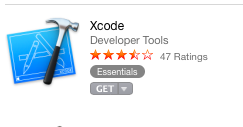
1. Install Xcode at least Xcode 6.1. you can get the latest from app store for free
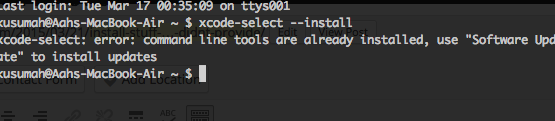
 2. Install Command Line tools, if not installed
3. Make sure Quartz installed
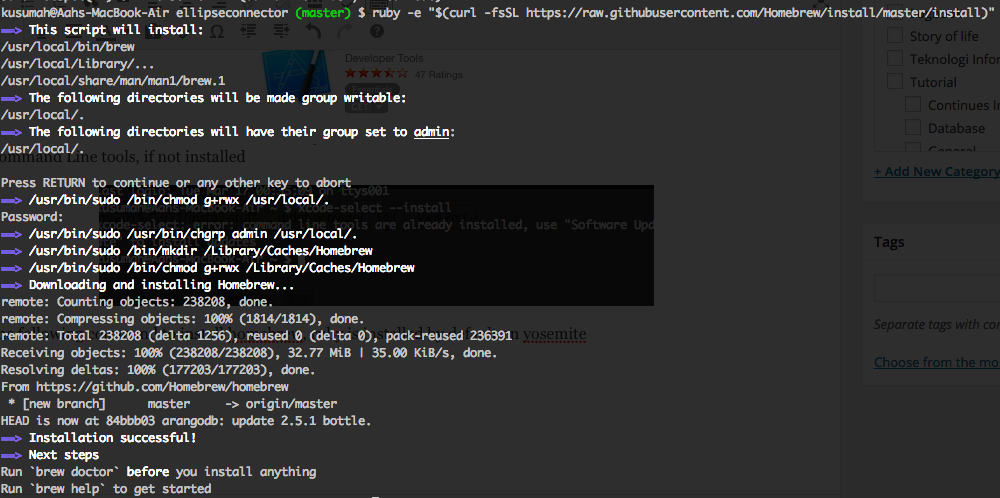
4. Invoke the following command to install homebrew, ruby is installed by default on yosemite
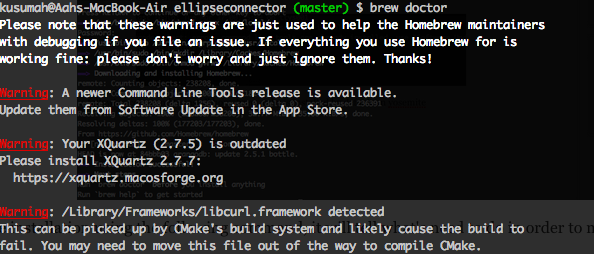
5. Check the installation using the following command, it will tell what’s need to do in order to make brew works properly
there are some essential command in brew :
brew search #to search application
brew install [application_name] #to install application
brew remove [application_name] #to remove application
brew list #list application installed by brew
brew update #update brew
the reset functionality and command in brew can be explored using : man brew
All brew stuff and software installed in the /usr/local/Cellar folder
Jakarta, 21 March 2015
A. Ahmad Kusumah
One thought on “Install stuff what apple didn’t provide [HomeBrew]”